Your first redesign is free, no card needed.
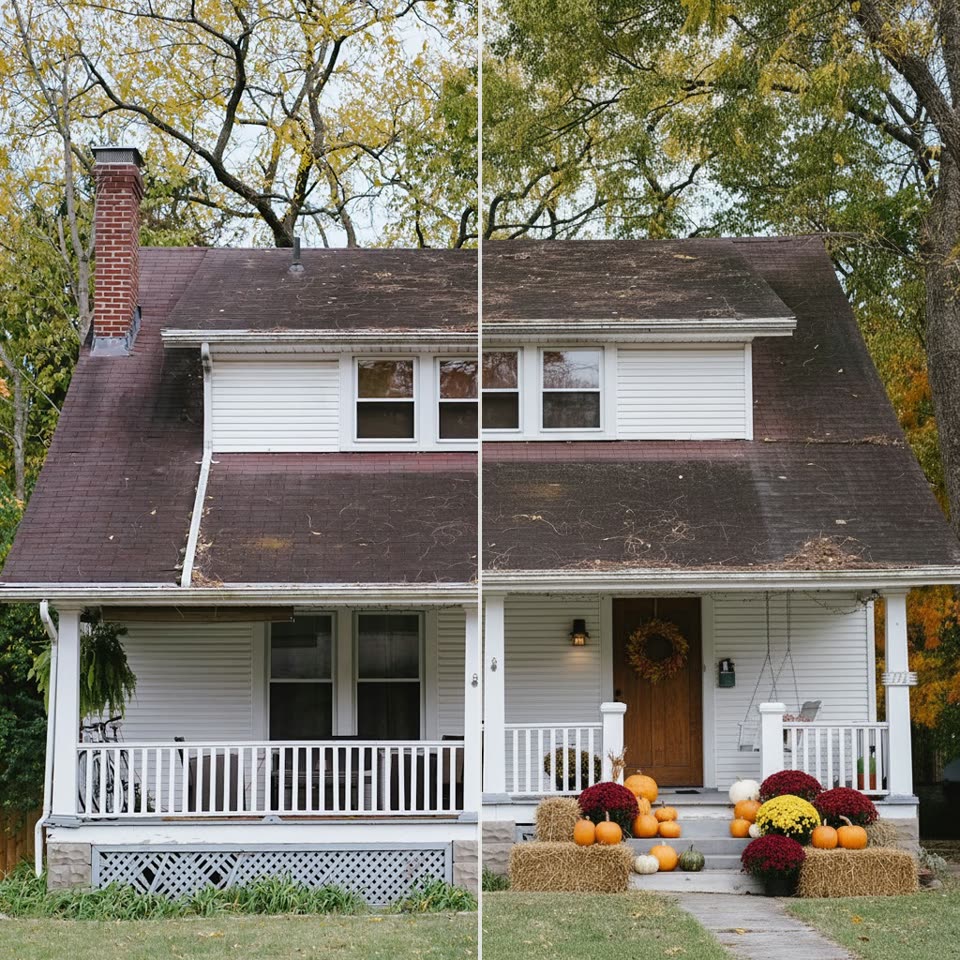
Holiday decorations on a photo of your house
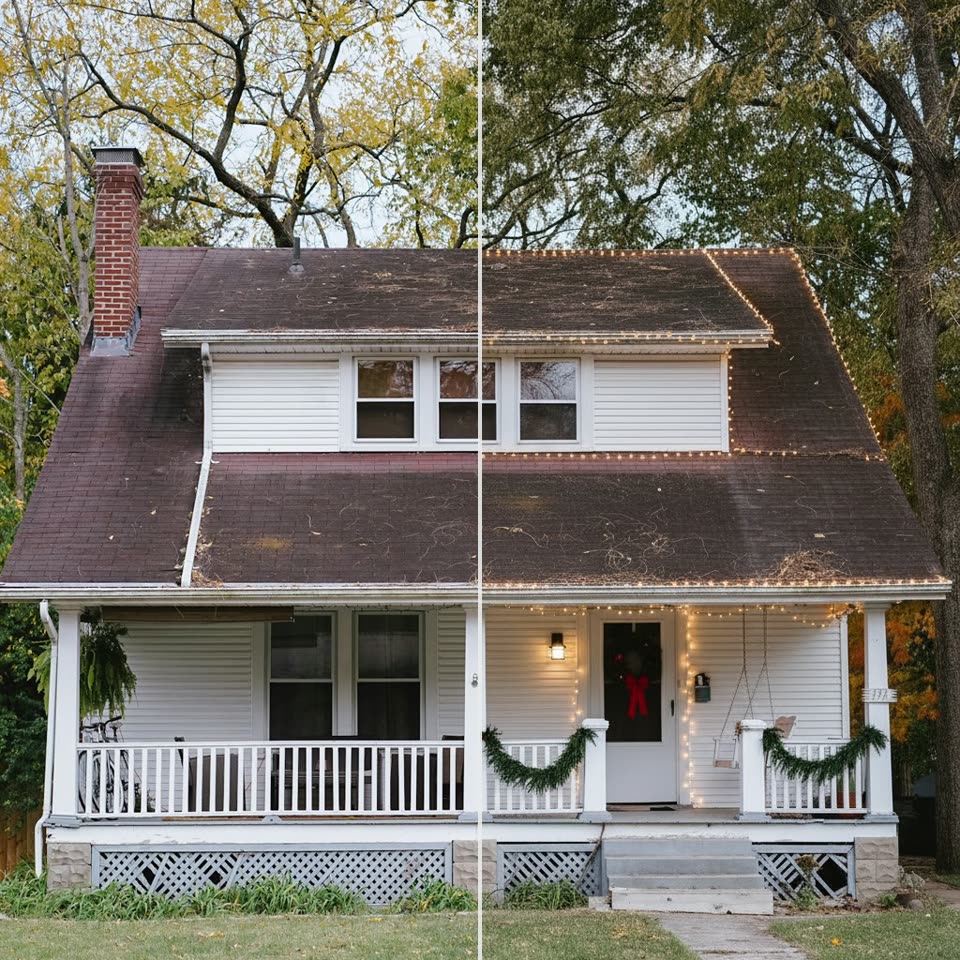
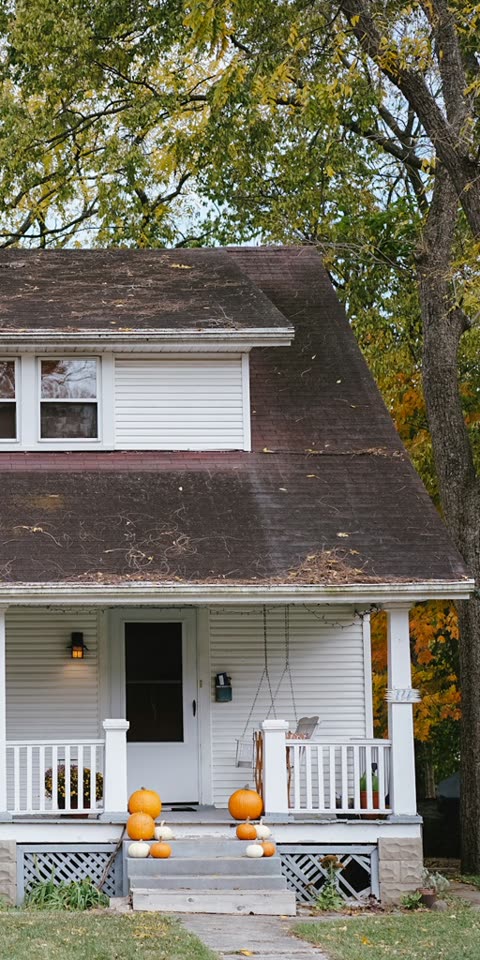
Dress the front of your house for the season and see it before you buy a single string of lights. The house stays as it is; only seasonal decorations are added.
The styles
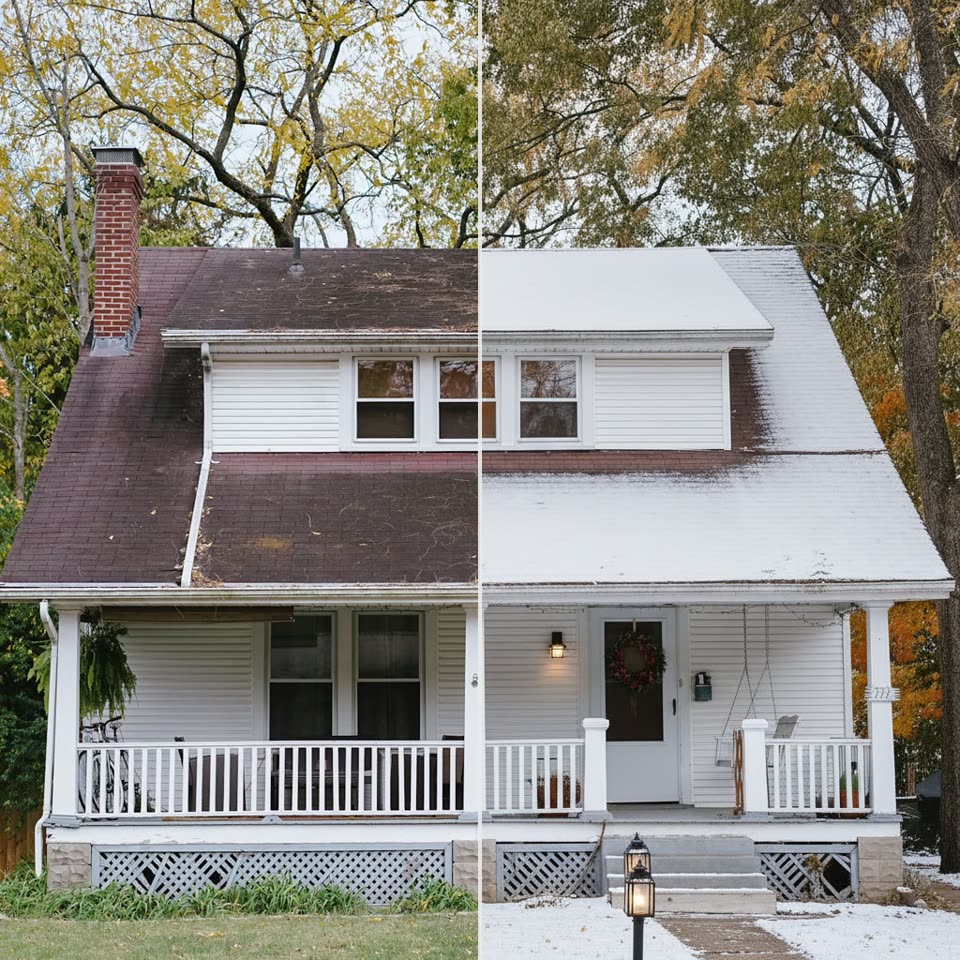
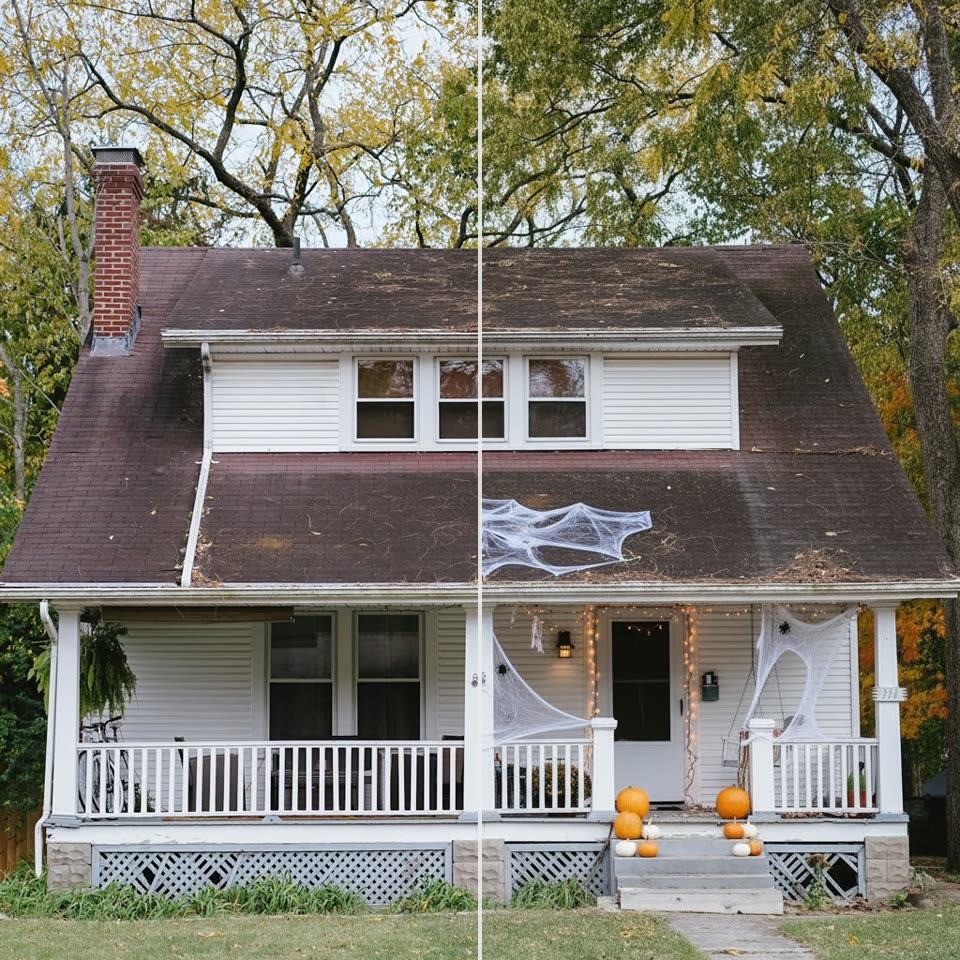
How it works
- Take a photo of the front of your house. Stand back far enough to get the whole front in the frame, roofline included.
- Open Afterhome, choose Holiday Decor and pick your photo.
- Pick a style. A redesign takes seconds.
- Drag the slider to compare before and after; try another on the same photo.
Questions
What stays the same?
The shape of the house, its roofline, walls, windows, doors and colors, seen from the same spot.
What changes?
Adds seasonal decorations only.
How much does it cost?
Your first redesign is free, no card needed. After that, a plan gives you about 15 redesigns a week. Prices are shown in the App Store and differ by country.
What happens to my photo?
Your photo is deleted from our servers within an hour. Results are kept for 30 days, so save the ones you want to keep.
Try it on your own photo
Your first redesign is free, no card needed. After that, a plan gives you about 15 redesigns a week. Prices are shown in the App Store and differ by country.