Your first redesign is free, no card needed.
See your home redesigned, from one photo
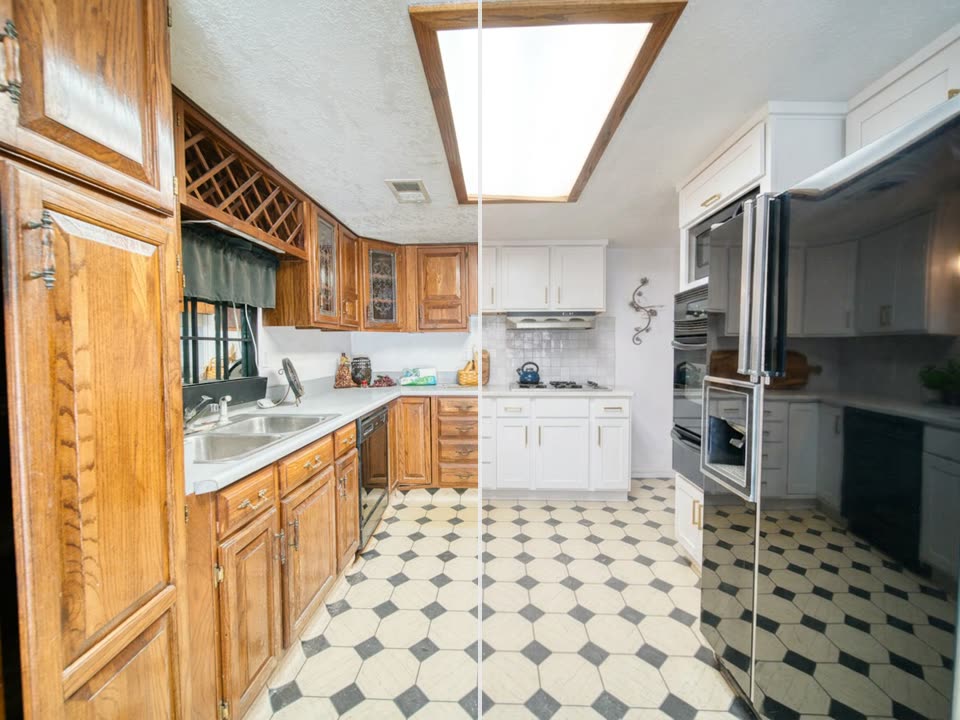
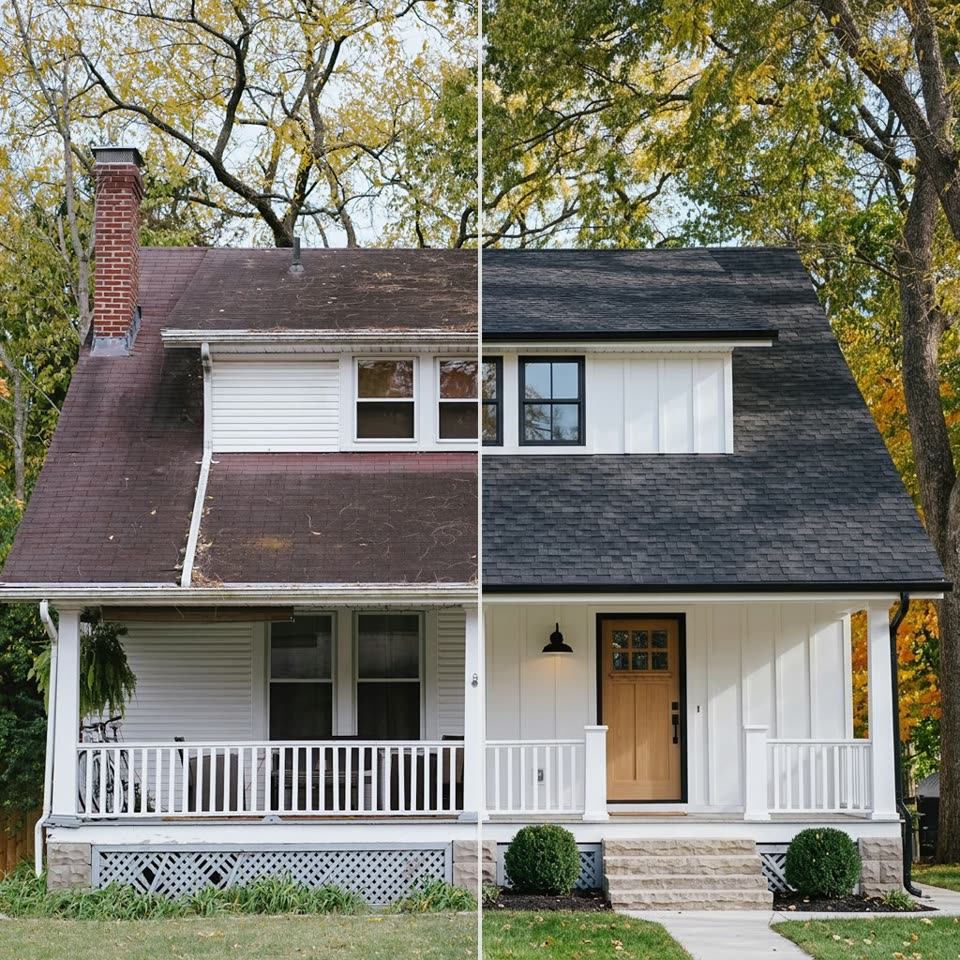
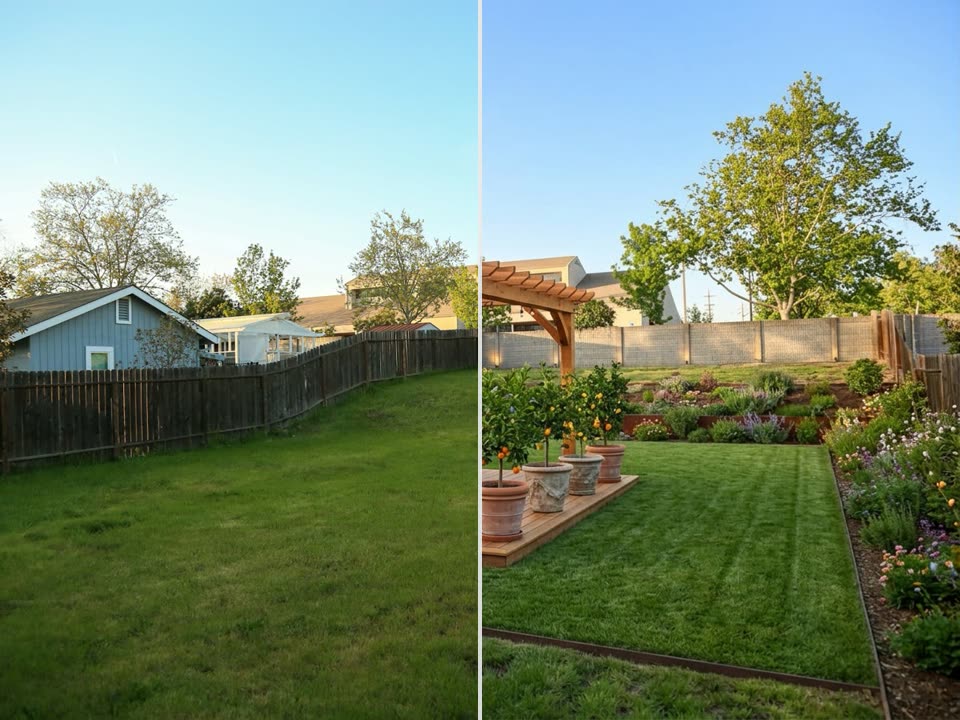
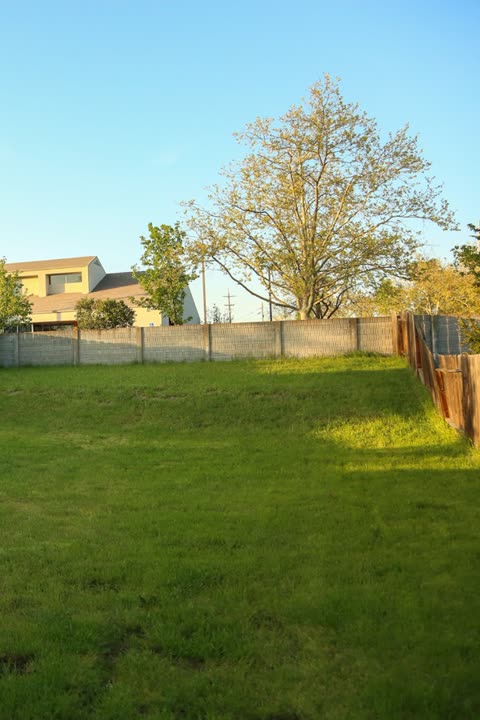
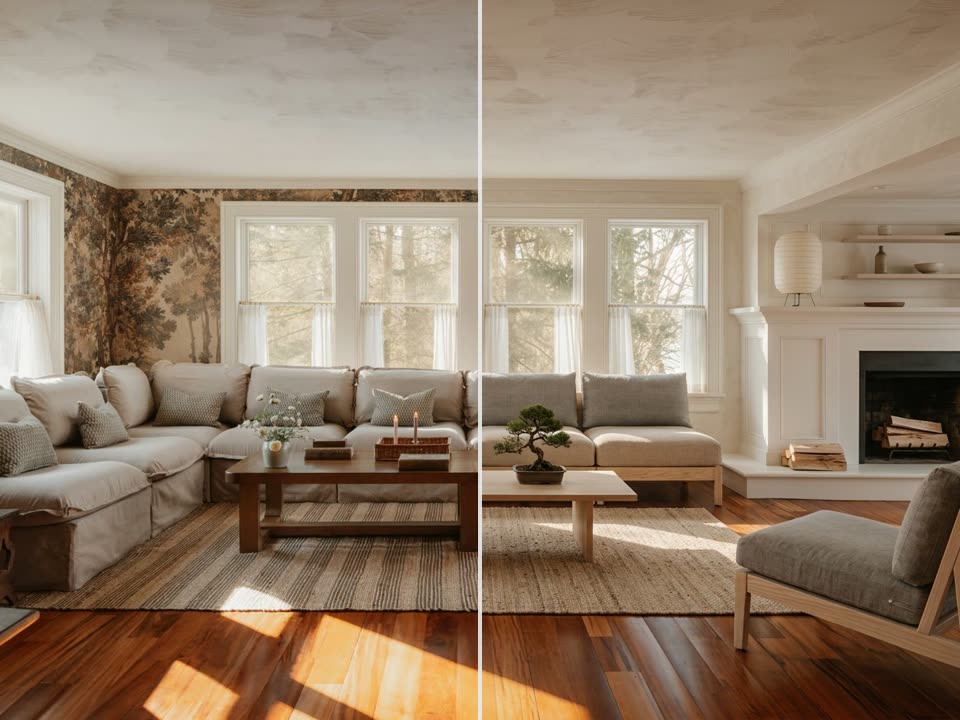
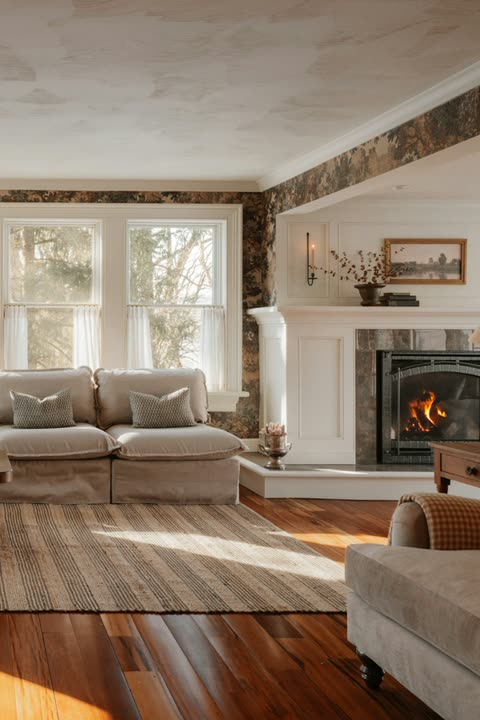
Photograph a room, a house front, a kitchen or a yard and see it redone in seconds, before and after side by side.
An iPhone app. Your photo is deleted from our servers within an hour.
How it works
- Take or choose a photo of a room, the front of your house, your kitchen or your yard.
- Pick a tool and a style: a new look, a wall color, a floor, the light.
- Compare before and after with the slider, then save or share.
The four spaces
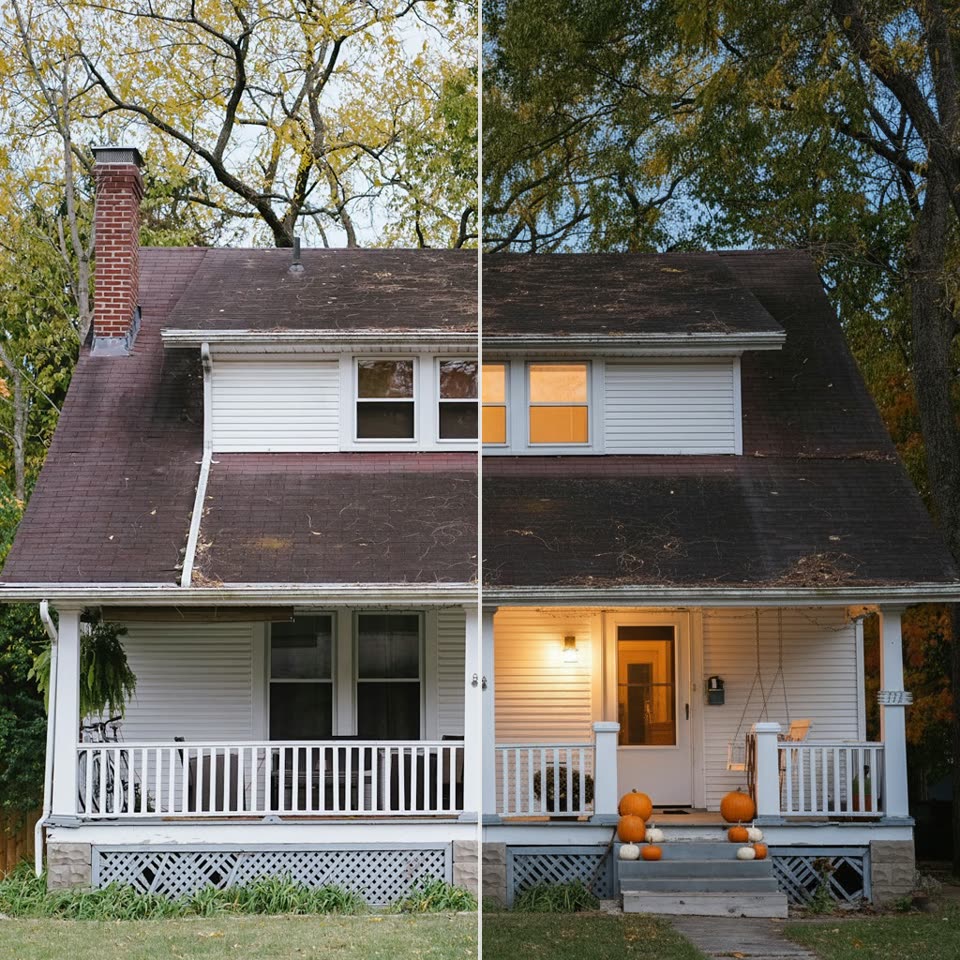
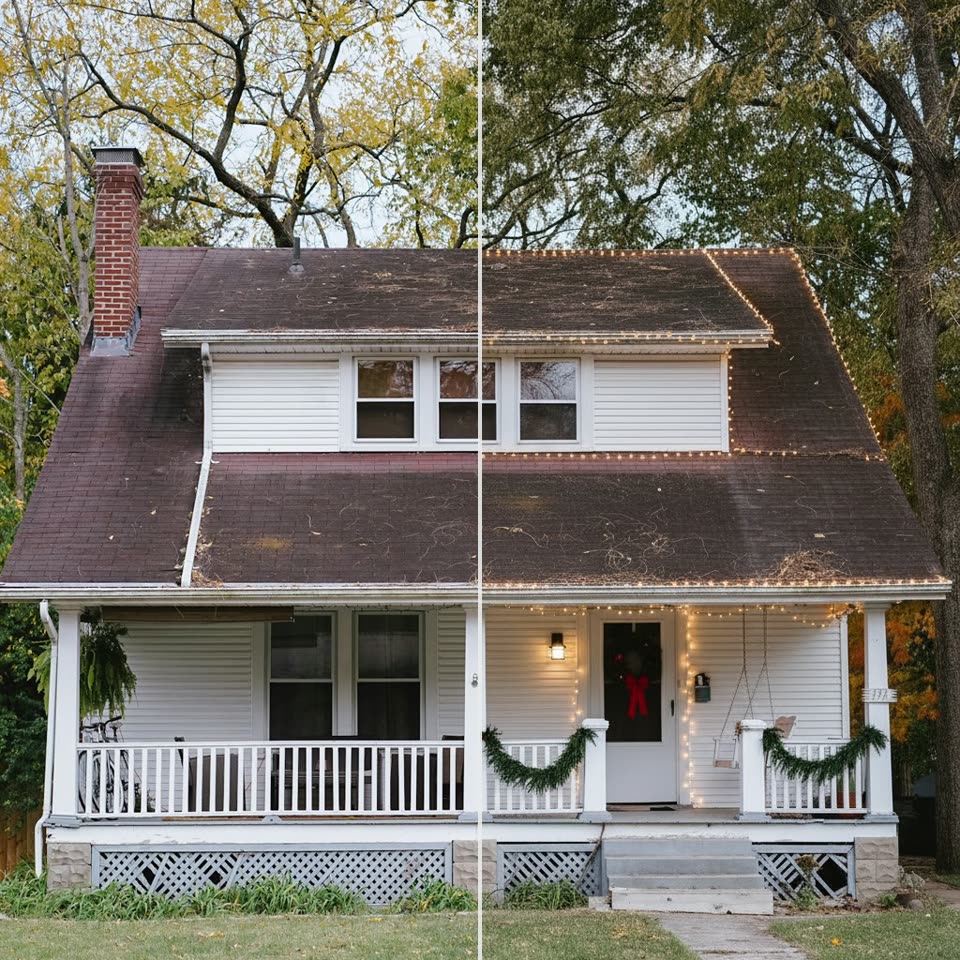
And one thing at a time
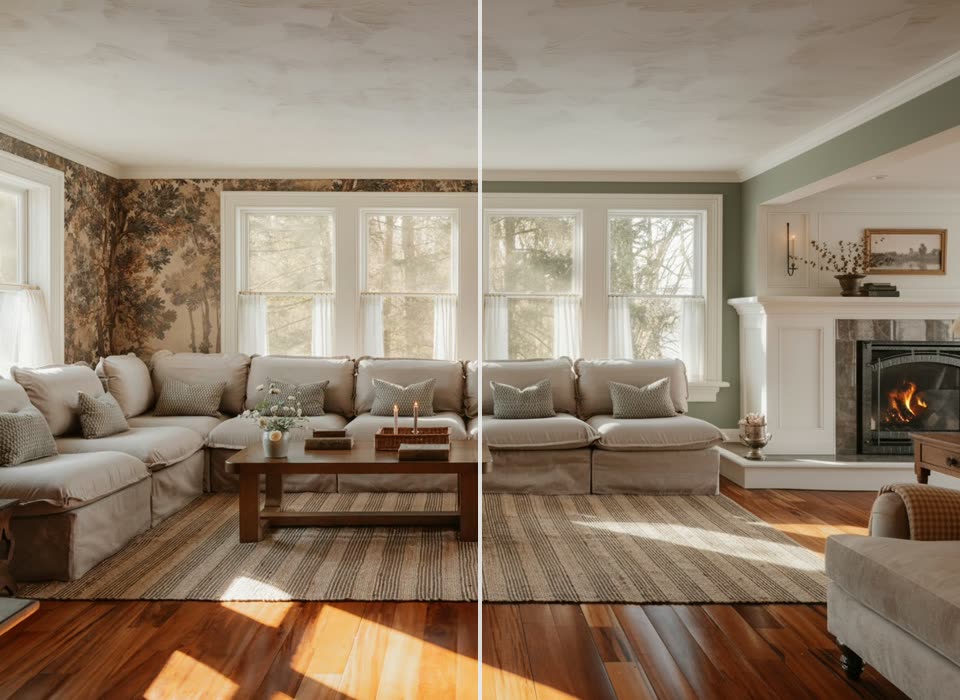
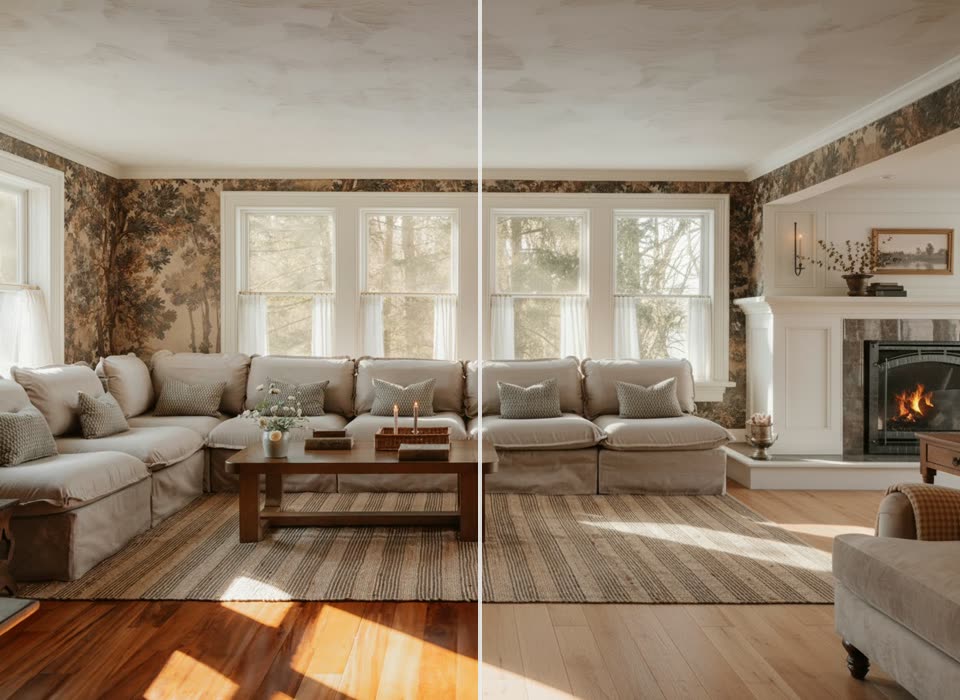
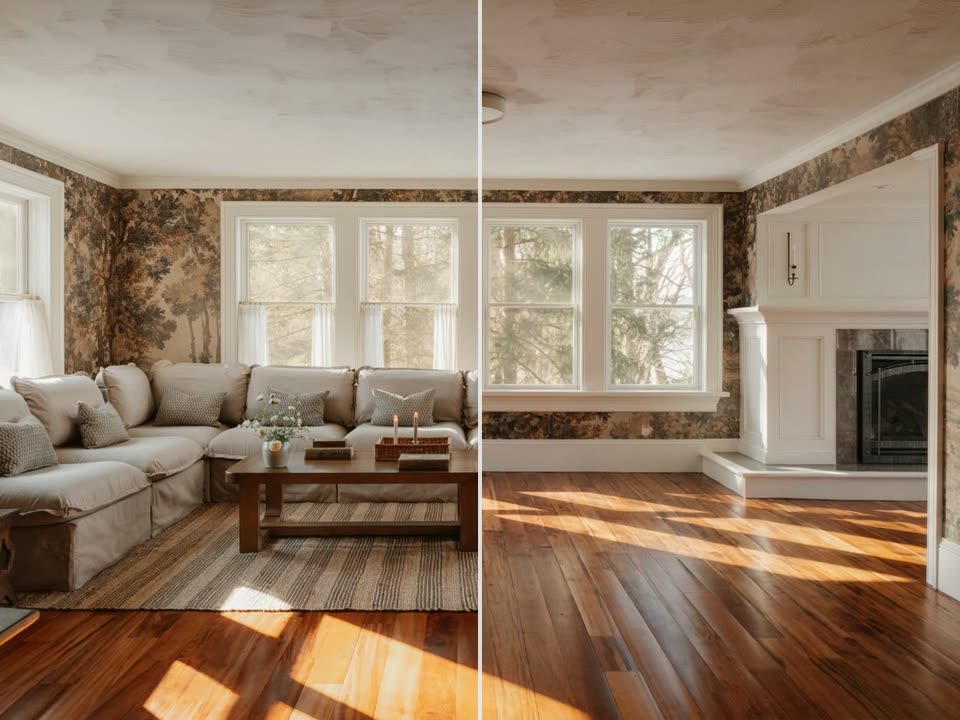
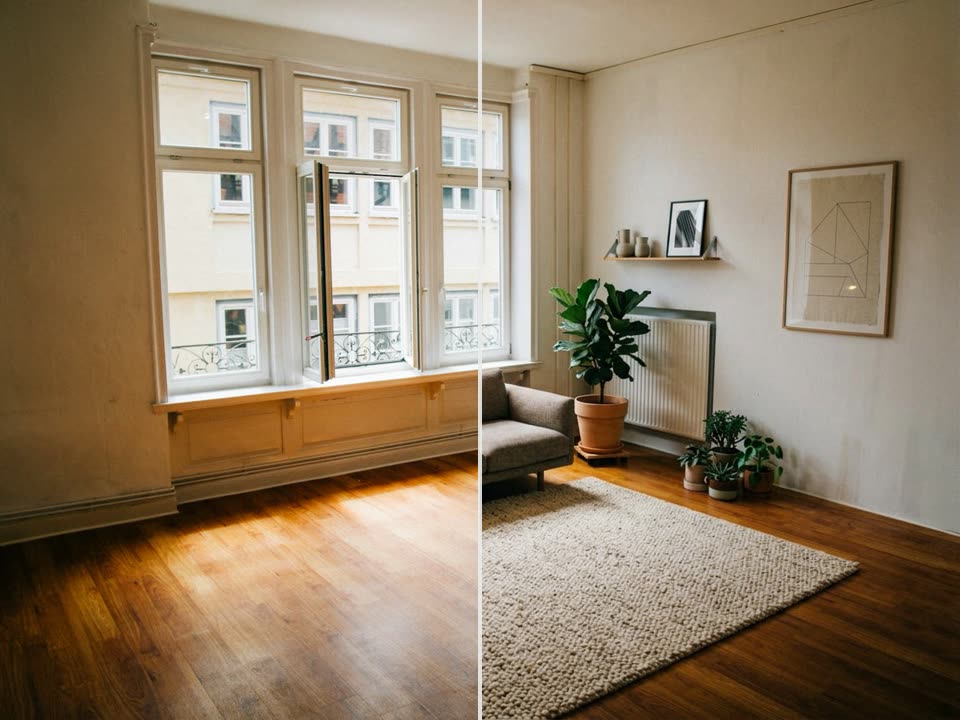
Every style
Interior
- Modern
- Scandinavian
- Japandi
- Mid-Century
- Industrial Loft
- Boho
- Coastal
- Modern Farmhouse
- Minimalist
- Modern Luxury
- Classic
- Art Deco
Exterior
Kitchen
Backyard
Paint walls
Floors
Empty the room
Virtual staging
Day to dusk
Holiday decor
Your photos
Your photo is deleted from our servers within an hour. Results are kept for 30 days, so save the ones you want to keep. A photo is sent to an AI image service to make your result. There are no ads in the app. Privacy Policy.
Facts
- First redesign
- Your first redesign is free, no card needed.
- After that
- After that, a plan gives you about 15 redesigns a week. Prices are shown in the App Store and differ by country.
- Your photos
- Your photo is deleted from our servers within an hour. Results are kept for 30 days, so save the ones you want to keep.
- Speed
- A redesign takes seconds.
- Platform
- An iPhone app, from the App Store.
- Made by
- Megabrain.
Where to check each one: Afterhome in facts.
Questions
Is Afterhome free?
Your first redesign is free, with no card needed. After that, a plan gives you about 15 redesigns a week. Plans are bought in the app through your Apple account; the App Store shows the price in your country.
Does it keep my room the way it is?
The structure, yes: every style is written to keep the walls, windows, doors and the camera position, and the narrower tools change only one thing, such as the wall color or the floor. It is an AI model, so now and then it gets a detail wrong. If a result moves a window or a door, run it again or try another photo.
What happens to my photos?
A photo you add is sent to an AI image service to make your result, and is deleted from our servers within an hour. Results are kept for 30 days; save the ones you want to keep to your photo library. There are no ads in the app. The details are in the Privacy Policy.
All questions · Answers · Guides · About Afterhome · Press kit
Your first redesign is free
Your first redesign is free, no card needed. After that, a plan gives you about 15 redesigns a week. Prices are shown in the App Store and differ by country.