Your first redesign is free, no card needed.
Turn a daytime photo of a house into dusk
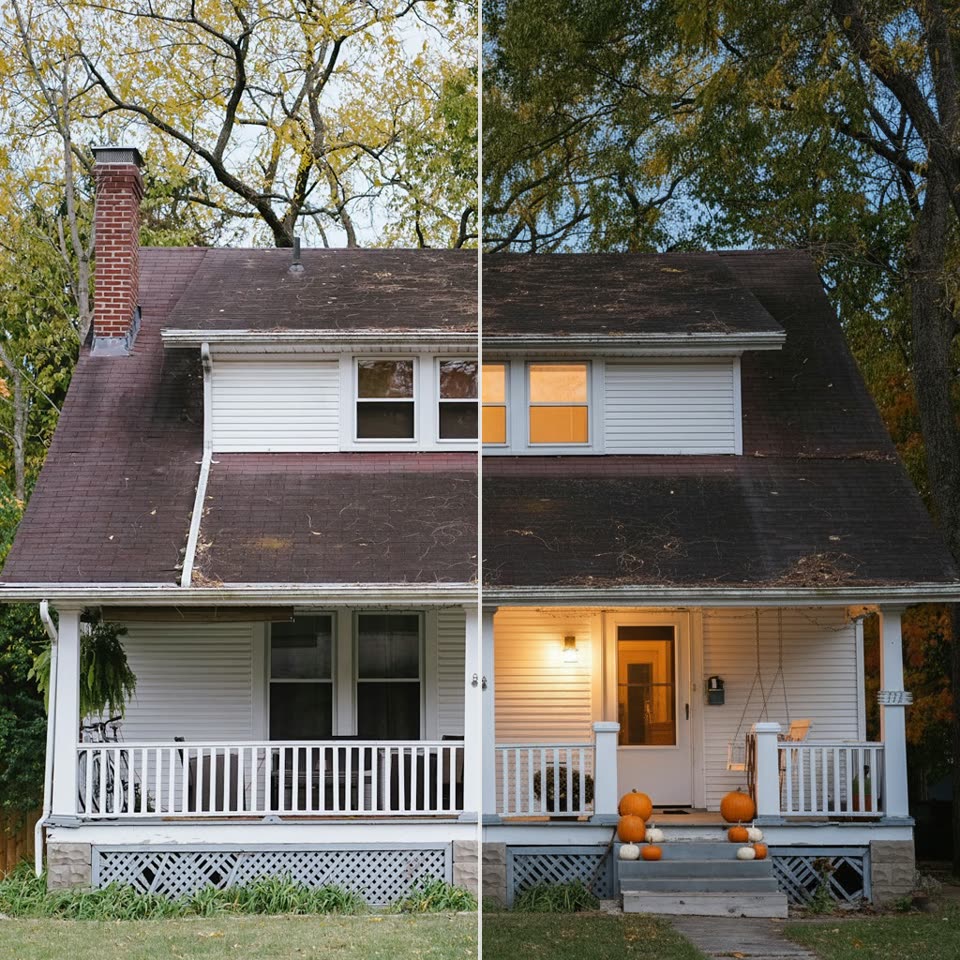
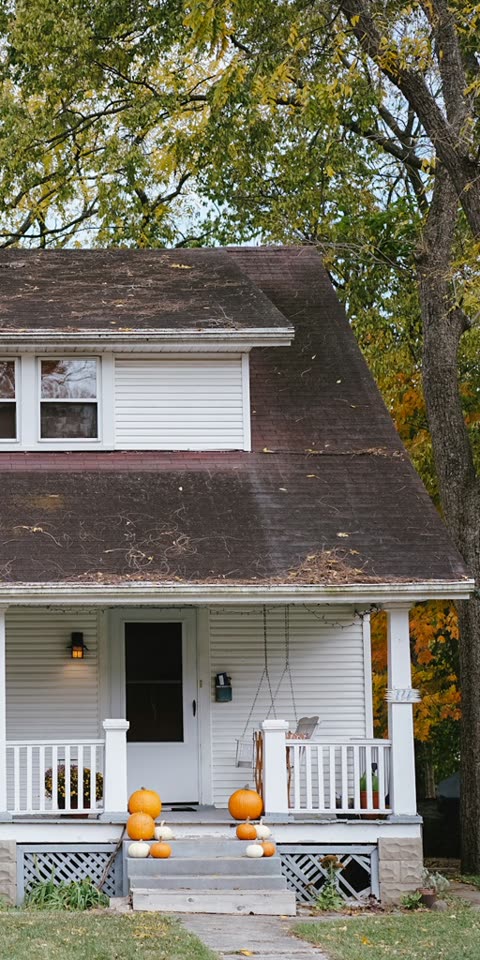
Turn a daytime photo of a house into an evening one, for a listing or just to see it. Only the time of day and the light change: the house, the garden and everything else in the photo stay as they are.
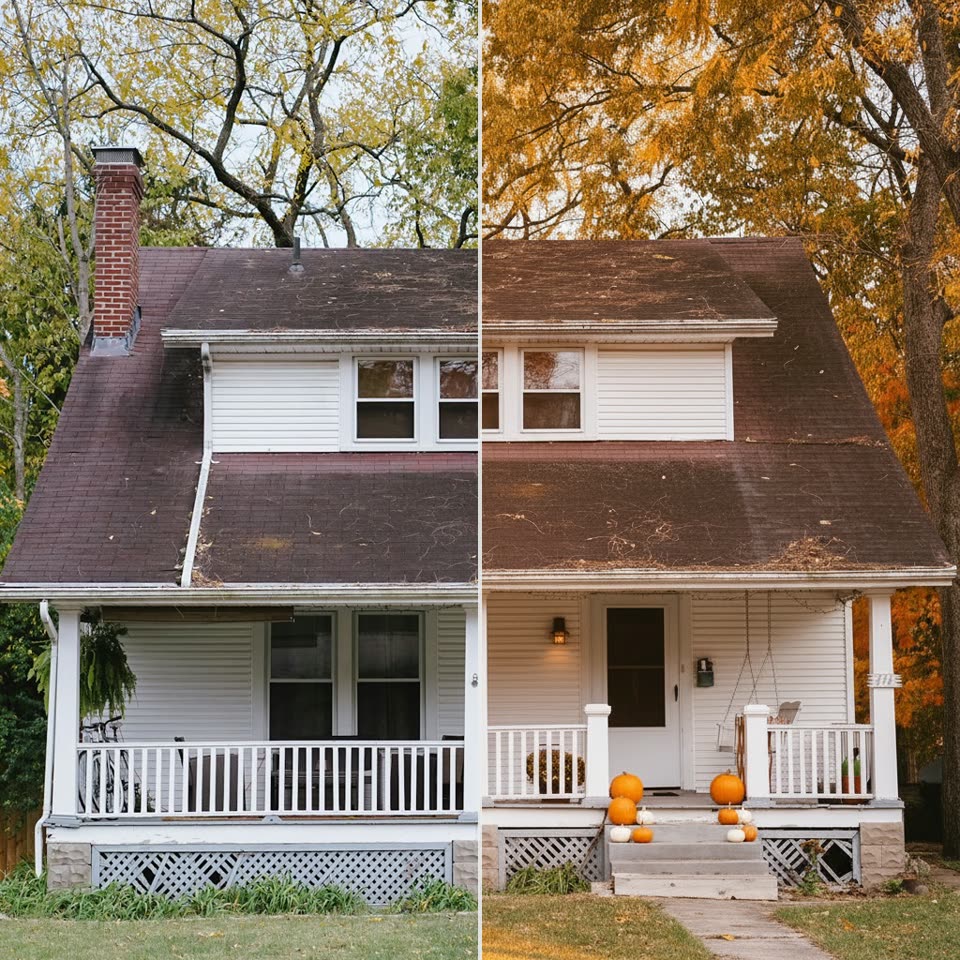
The styles
How it works
- Take a daytime photo of the house. Start from a sharp daytime photo of the whole front of the house, taken with the camera level.
- Open Afterhome, choose Day to Dusk and pick your photo.
- Pick a style. A redesign takes seconds.
- Drag the slider to compare before and after; try another on the same photo.
Questions
What stays the same?
Every building, wall, window, roof, plant and object, and the camera position.
What changes?
Only the time of day and the light.
How much does it cost?
Your first redesign is free, no card needed. After that, a plan gives you about 15 redesigns a week. Prices are shown in the App Store and differ by country.
What happens to my photo?
Your photo is deleted from our servers within an hour. Results are kept for 30 days, so save the ones you want to keep.
Try it on your own photo
Your first redesign is free, no card needed. After that, a plan gives you about 15 redesigns a week. Prices are shown in the App Store and differ by country.